
01
Choose your tools
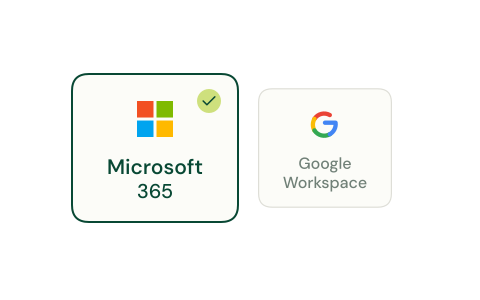
Choose Microsoft 365 or Google Workspace, or start with a manual upload.
Animation unavailable. The illustration and explanation are still shown.
FEATURES
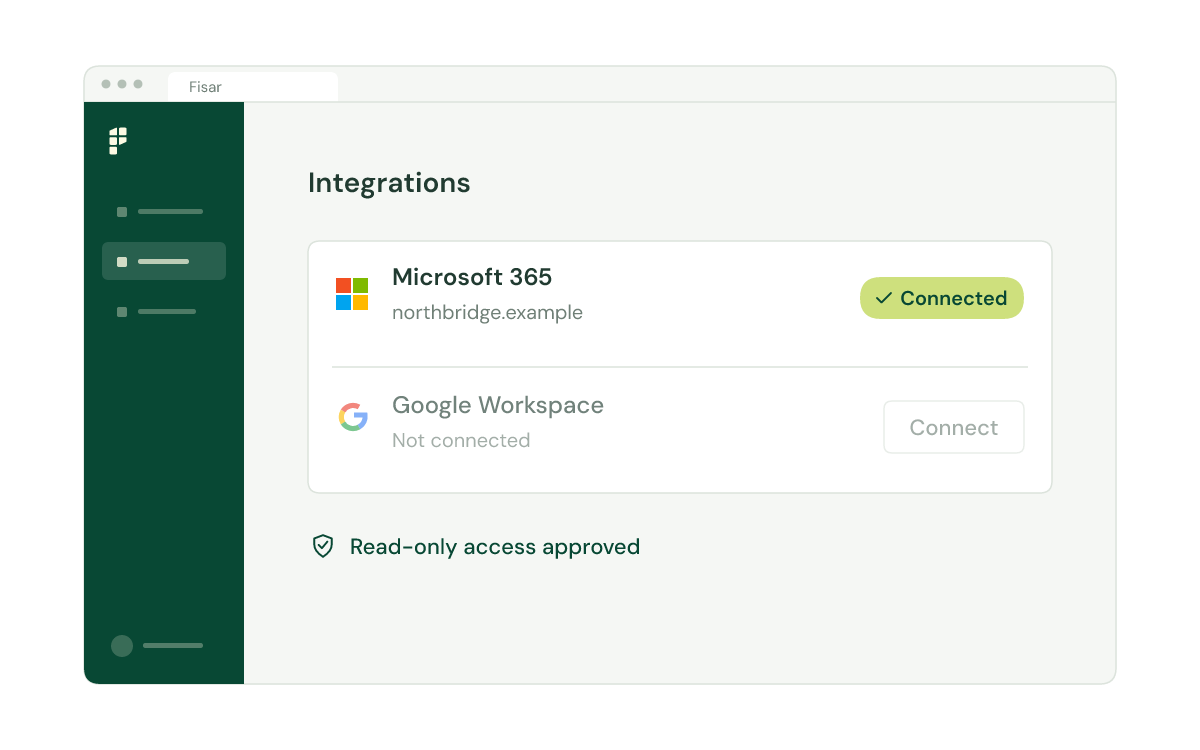
Connect with administrator-approved, read-only access, or upload files manually. Bring the information you need into the SAR workflow.
Animation unavailable. The illustration and explanation are still shown.
Choose your tools, approve access and see when the connection is ready.
01
Choose Microsoft 365 or Google Workspace, or start with a manual upload.
Animation unavailable. The illustration and explanation are still shown.
02
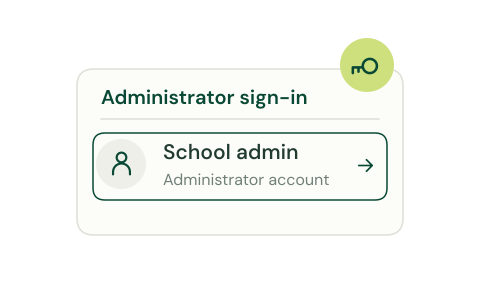
An administrator approves the connection to your organisation’s tools.
Animation unavailable. The illustration and explanation are still shown.
03
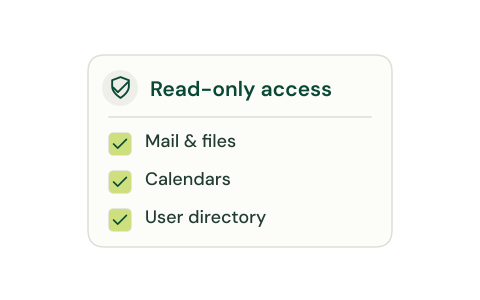
Review the requested access to mail, files, calendars and the directory.
Animation unavailable. The illustration and explanation are still shown.
04
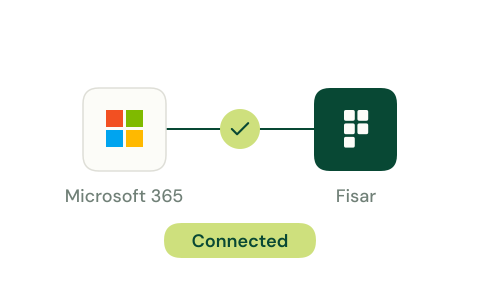
A connected status makes the outcome of the setup clear.
Animation unavailable. The illustration and explanation are still shown.
Animation unavailable. The illustration and explanation are still shown.
Collect, review, redact and respond in one workflow.
 GDPR
GDPR ISO 27001ISO 9001