
01
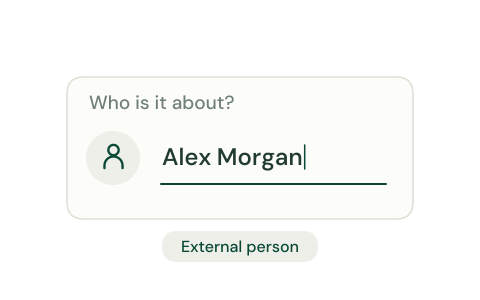
Identify the subject
Start with the person whose information the request concerns.
Animation unavailable. The illustration and explanation are still shown.
FEATURES
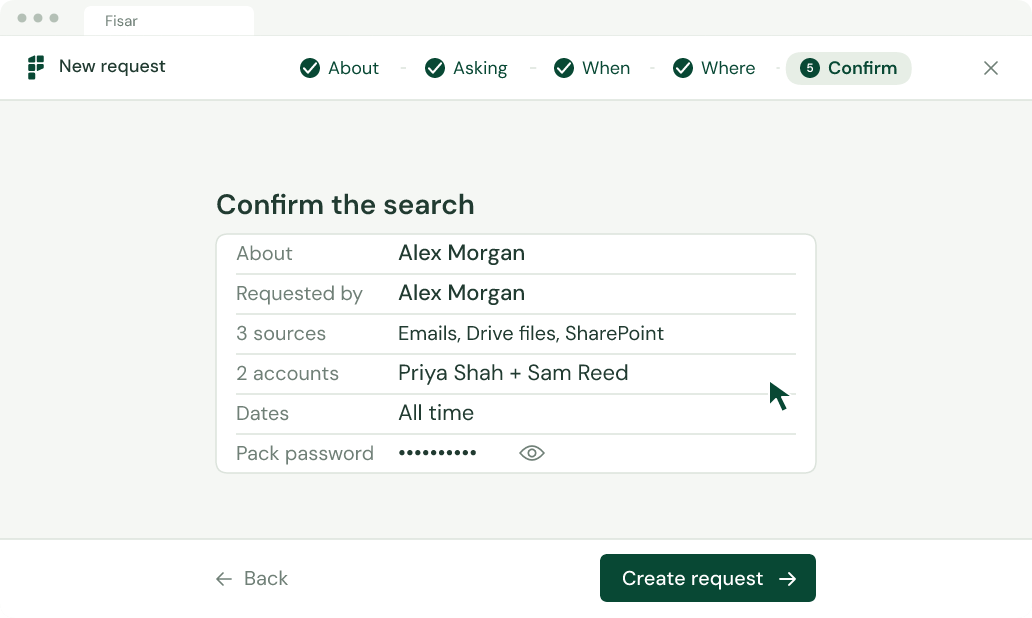
Set out who the request concerns, who is asking and where to look. Keep the scope clear before collecting information.
Animation unavailable. The illustration and explanation are still shown.
The subject, requester, date range and sources give your search its direction.
01
Start with the person whose information the request concerns.
Animation unavailable. The illustration and explanation are still shown.
02
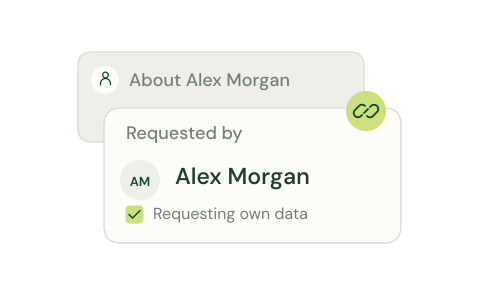
Keep the person asking distinct from the person the information is about.
Animation unavailable. The illustration and explanation are still shown.
03
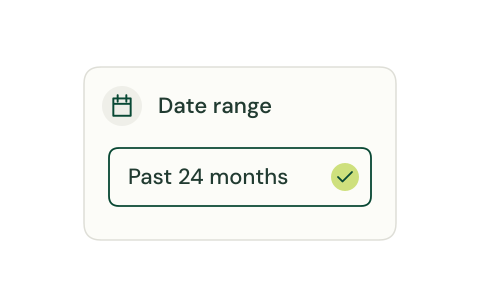
Set a date scope for the search. The example shown uses the past 24 months.
Animation unavailable. The illustration and explanation are still shown.
04
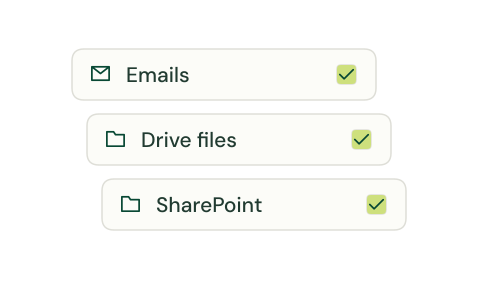
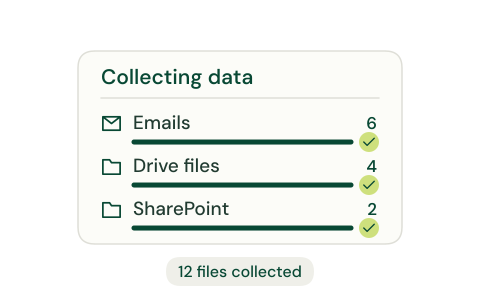
Choose the sources to include, such as emails, Drive files and SharePoint.
Animation unavailable. The illustration and explanation are still shown.
Animation unavailable. The illustration and explanation are still shown.
Collect, review, redact and respond in one workflow.
 GDPR
GDPR ISO 27001ISO 9001