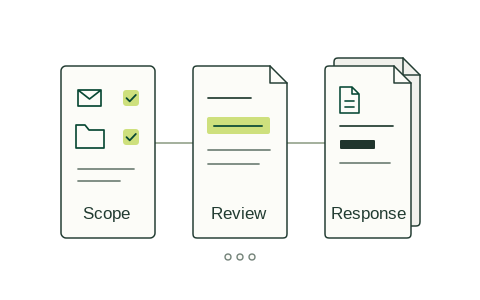

Know where you are looking.
Set out who the request concerns and which sources to search. Gather information from supported connected tools, or upload files you have collected from other systems.
SECTORS
Subject access requests need care, even in the middle of a busy school day. Fisar helps your staff gather information, review it and prepare a response with a clearer process to follow.

THE PRESSURE
A parent may want to understand an admission decision, attendance record or the support their child has received. Behind the request are people looking for answers, and staff who want to respond carefully.
For the school office or leadership team, the work often sits alongside an already full day. Finding the records, checking what belongs in the response and protecting information about other people can bring a familiar worry: have we missed something?
MORE CONFIDENCE
Fisar brings the work into a structured workflow, helping your team move through the request without relying on a patchwork of searches, printouts and manual checks.
Set out who the request concerns and which sources to search. Gather information from supported connected tools, or upload files you have collected from other systems.
Review relevance results and open files to understand what they contain. Possible matches and files needing manual attention remain visible for your team to consider.
Information about a pupil can also identify other children, families or staff. Redact selected details, then check what remains visible before preparing the response.
A clear search scope, a relevance review and checked redactions give your team a more structured basis for explaining how it approached the request.
YOUR PEOPLE
Make the response more manageable for the people fitting it around the school day. Fisar supports the practical work while your team keeps control.
GETTING STARTED
Start with connected tools or files you have already collected. Both give your team a route into review and redaction.
NEXT STEPS
Show us how your school handles requests today. We can walk through where Fisar could help.